Showing posts with label Sharepoint. Show all posts
Showing posts with label Sharepoint. Show all posts
Use file wsp in Sharepoint Online
Use file wsp in Sharepoint Online
1. Into site want add webpart choose Site settings.
2. In Web Designer Galleries choose Solutions
3. Click Upload Solution

4. Choose file .wsp deploy by visual studio and Active.
1. Into site want add webpart choose Site settings.
2. In Web Designer Galleries choose Solutions
3. Click Upload Solution

4. Choose file .wsp deploy by visual studio and Active.
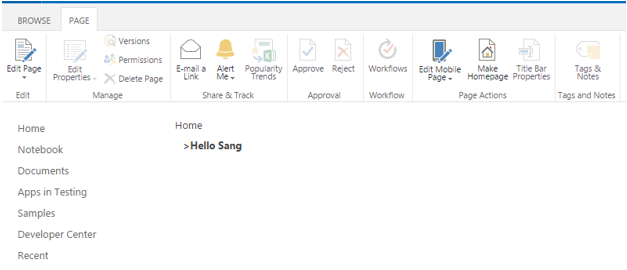
5. Into page want add web part click Edit page -> Click add a Web Part -> Click Custom-> Click Web Part.

Web Part Deployment use Visual Studio
Web Part Deployment use Visual Studio
1. New project Sharepoint
2. New Visual Web Part

3. Publish project to file .wsp

1. New project Sharepoint
2. New Visual Web Part

3. Publish project to file .wsp

Subscribe to:
Posts
(
Atom
)


